Robots.txt vs. Canonical Tags: Your Shopify SEO Indexing Guide from a Community Deep Dive
Hey there, fellow Shopify merchants and store operators! Ever found yourself scratching your head over the technical bits of SEO, like figuring out the difference between your robots.txt file and those sneaky rel="canonical" tags? You're definitely not alone. It's a common area of confusion, and frankly, getting it wrong can seriously impact your store's visibility on Google.
I recently stumbled upon a fantastic community discussion that perfectly illustrates this challenge. An original poster was grappling with how their main domain's robots.txt, which included directives like Disallow: /*? and Disallow: /*utm_*, was interacting with their blog's apparent robots.txt file and UTM-laden URLs. Their core question: will articles linked with UTM parameters, like /blog/article?utm_campaign=example, still get indexed if the main robots.txt disallows anything with utm_?
Unpacking the Confusion: Robots.txt Scope
The first crucial insight from the community discussion was a unanimous clarification on how robots.txt files work. As one community member plainly put it, "Google only reads one robots.txt per host, so the root file applies to /blog too."
What does this mean for your Shopify store? It means that if your store is at yourstore.com, Google will only look for a robots.txt file at yourstore.com/robots.txt. Any other file, say yourstore.com/blog/robots.txt, is simply ignored. So, if you're using an app or theme that claims to manage a robots.txt for a specific subdirectory, know that the rules in your main root file are the ones that count.
The original poster's assumption that their main domain's rules would apply was correct, but the implications were more complex than they initially thought.
The Real Problem: Disallow vs. Canonical Tags
Here's where things get really interesting, and it's a critical distinction for your store's SEO. The original poster's robots.txt contained lines like:
User-agent: *
Disallow: /*?
Disallow: /*utm_*
Disallow: /*refid=*
While these directives are intended to prevent Google from crawling parameter-laden URLs, a respondent highlighted a major issue: "Disallow: /*? means googlebot can't crawl /blog/article?utm_campaign=example, so it never sees the canonical on it."
This is a huge point! When you Disallow a URL in robots.txt, you're telling Googlebot not to visit that page at all. If Googlebot can't visit the page, it can't read the page's HTML, which means it can't discover the tag you've carefully placed there.
So, what happens? A disallowed URL *can still be indexed* if other websites link to it. But without Google being able to crawl it and see the canonical tag, it won't understand which version of the page is the preferred one. This leads to duplicate content issues, wasted crawl budget, and a messy search presence for your store.
The Solution: Embrace Canonical Tags for Clean URLs
The consensus from the experts in the discussion was clear: for managing URL parameters and duplicate content, rel="canonical" tags are almost always the better choice over broad Disallow rules in robots.txt.
Canonical tags tell Google, "Hey, this page (e.g., yourstore.com/product?variant=123) is actually the same as this other page (yourstore.com/product), and the latter is the one I want indexed." This consolidates ranking signals and prevents duplicate content penalties, all while allowing Google to crawl the parameter-laden versions to discover links and content.
Actionable Steps for Shopify Merchants:
- Review Your
robots.txt: For most Shopify stores, the defaultrobots.txtgenerated by Shopify is well-optimized. If you've manually edited yours or have an app that did, check for broadDisallowdirectives that block URLs with parameters (like/*?or/*utm_*). Consider removing them. - Trust Shopify's Canonicals: Shopify does a fantastic job of automatically adding self-referencing canonical tags to your product, collection, and page URLs. These tags point to the 'clean' version of the URL, handling variations like those with sorting parameters or UTMs beautifully.
- Address Internal Links: While external links with UTMs are fine (and useful for tracking!), try to ensure your internal links within your store use clean URLs. This reduces the number of parameter-laden URLs Google needs to process, making your site more efficient.
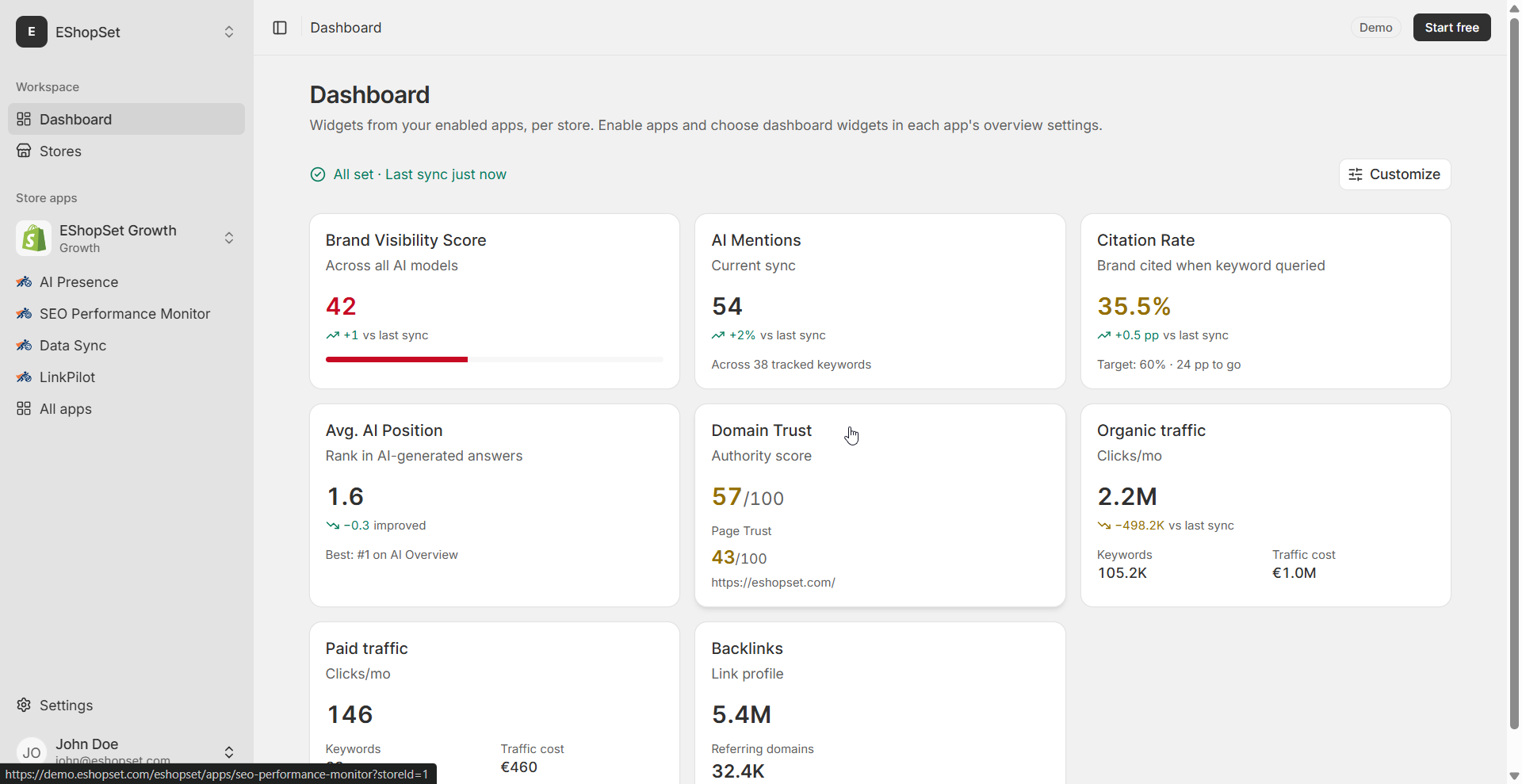
- Monitor with SEO Performance Monitor: After making any changes, use a tool like EShopSet's SEO Performance Monitor to keep an eye on your store's indexation status, crawl errors, and overall SEO health. This helps you quickly identify if your changes are having the desired effect and if canonicals are being respected.
EShopSet Team Comment
We absolutely agree with the community's insights here. Relying on rel="canonical" tags for managing duplicate content and URL parameters is a best practice that Shopify merchants should embrace. Broad Disallow rules often create more problems than they solve by preventing Google from seeing your preferred URLs. Our SEO Performance Monitor is built precisely for this – to help you track indexation, identify crawl issues, and ensure your canonical tags are working effectively, giving you peace of mind. Just as clean SEO helps Google understand your products, efficient operations like Sheet2Cart for Shopify oversell prevention sheet sync ensure your inventory data is always accurate, preventing frustrating customer experiences and maintaining trust. And with AI Presence, ensuring your core product data is indexed correctly is paramount for how AI models might summarize or refer to your store.
Getting your robots.txt and canonical strategy right is fundamental to your Shopify store's success. It ensures Google understands your content, indexes the right pages, and ultimately drives more organic traffic to your products. Don't let these technical nuances trip you up – empower your store with smart SEO practices!