Help
Guides and how-tos for EShopSet: stores, the apps catalog, installed app Settings, Usage, and Logs, plus billing and agency multi-store topics.
Getting started
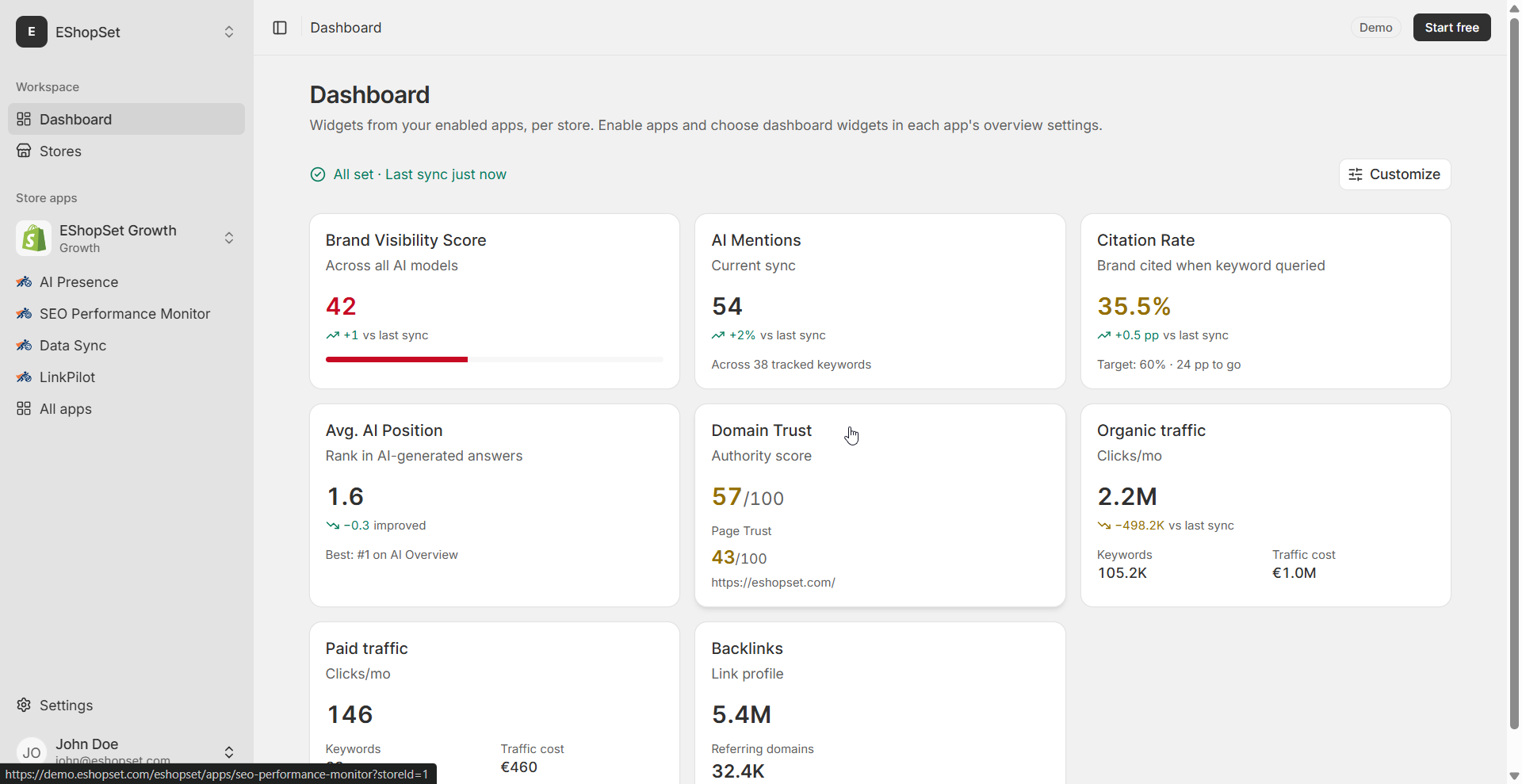
Connect a Shopify store, enable apps, and use the EShopSet dashboard.
Apps help
How to use SEO Performance Monitor, AI Presence, Data Sync, Link Pilot, and CopilotPost.
Stores and billing
Plans, Tokens, and usage allowances per Shopify store.
Partner Program
Refer merchants and manage multi-store client portfolios with per-store billing.
Link Pilot
Audit internal links, approve suggestions, implement with credits, and import Search Console queries.
Billing and agents
Plans, Tokens, allowances, and read-only MCP agent connections.
Read more