Getting started
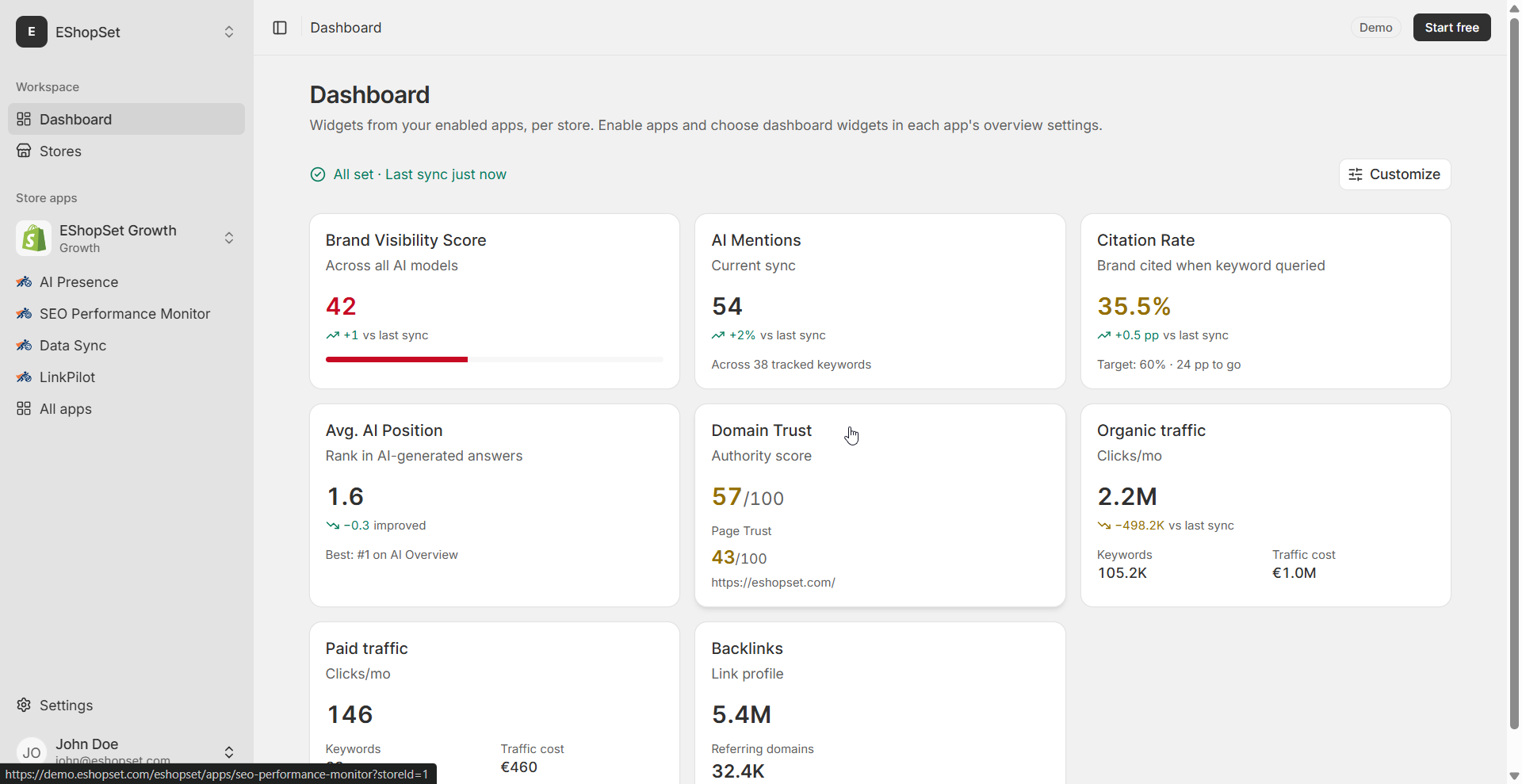
Set up your workspace: connect a store, enable apps, and pin metrics on the dashboard.
What is EShopSet?
What is EShopSet?
Connect your Shopify store
Connect a Shopify store to EShopSet after installing from the App Store or the website—then enable SEO, AI Presence, or Data Sync.
Overview, Settings, and Logs
How Overview, Settings, and Logs work for every EShopSet app—SEO Performance Monitor, AI Presence, and Data Sync.
Install EShopSet from the Shopify App Store
Install EShopSet from the Shopify App Store, review permissions, open the app in Admin, then enable SEO, AI Presence, and Data Sync per store.
Core concepts: stores, apps, and plans
Learn EShopSet’s building blocks: Shopify stores, the apps catalog, Overview/Settings/Logs, and per-store plans and limits.
Connect EShopSet MCP to your AI agent
Add EShopSet MCP in Cursor, Claude, ChatGPT, and other agents in a few clicks—then authenticate your Shopify store and ask in plain language.
EShopSet MCP features
What your AI agent can do with SEO Performance Monitor, AI Presence, and Data Sync via EShopSet MCP—example prompts included.
Connect a Shopify store
Connect a Shopify store
Enable apps and the dashboard
Enable apps and the dashboard