Connect EShopSet MCP to your AI agent
EShopSet MCP lets your favorite AI agent read supported SEO Performance Monitor, AI Presence, and Data Sync data (agents cannot change settings or start work). Most agents add the integration in a few clicks under MCP, Tools & MCP, or Connectors.
For a marketing overview, see AI Power.
Prerequisites
- EShopSet installed on your Shopify store—see Install from the Shopify App Store.
- At least one app enabled (SEO Performance Monitor, AI Presence, and/or Data Sync).
- An MCP-ready agent such as Cursor, compatible AI agents, ChatGPT, Gemini, or Copilot.
Steps (any agent)
- Open your agent’s Settings or Customize menu.
- Go to MCP, Tools & MCP, or Connectors.
- Click Add / Add custom connector (or choose EShopSet if it appears in a directory).
- Paste your EShopSet MCP server URL from your EShopSet account if prompted, then confirm.
- Authenticate and link the Shopify store where your apps are enabled.
- Start a chat and ask in plain language—or use voice where your agent supports it.
Cursor
- Open Customize → MCPs (or Settings → Tools & MCP).
- Browse or search for EShopSet, then click Add to Cursor—or add a custom MCP with your server URL.
- Approve authentication if prompted. Agent can use EShopSet tools on the next chat.
compatible AI agents
- Open Customize → Connectors (Desktop: Settings → Connectors).
- Click + → Add custom connector, enter the EShopSet MCP URL, then Add.
- Click Connect and finish store authentication.
ChatGPT
- Open Settings → Connectors (label may vary by plan).
- Add a custom MCP / connector with your EShopSet server URL.
- Enable it for the chat, authenticate, then ask about your Shopify apps.
Tips
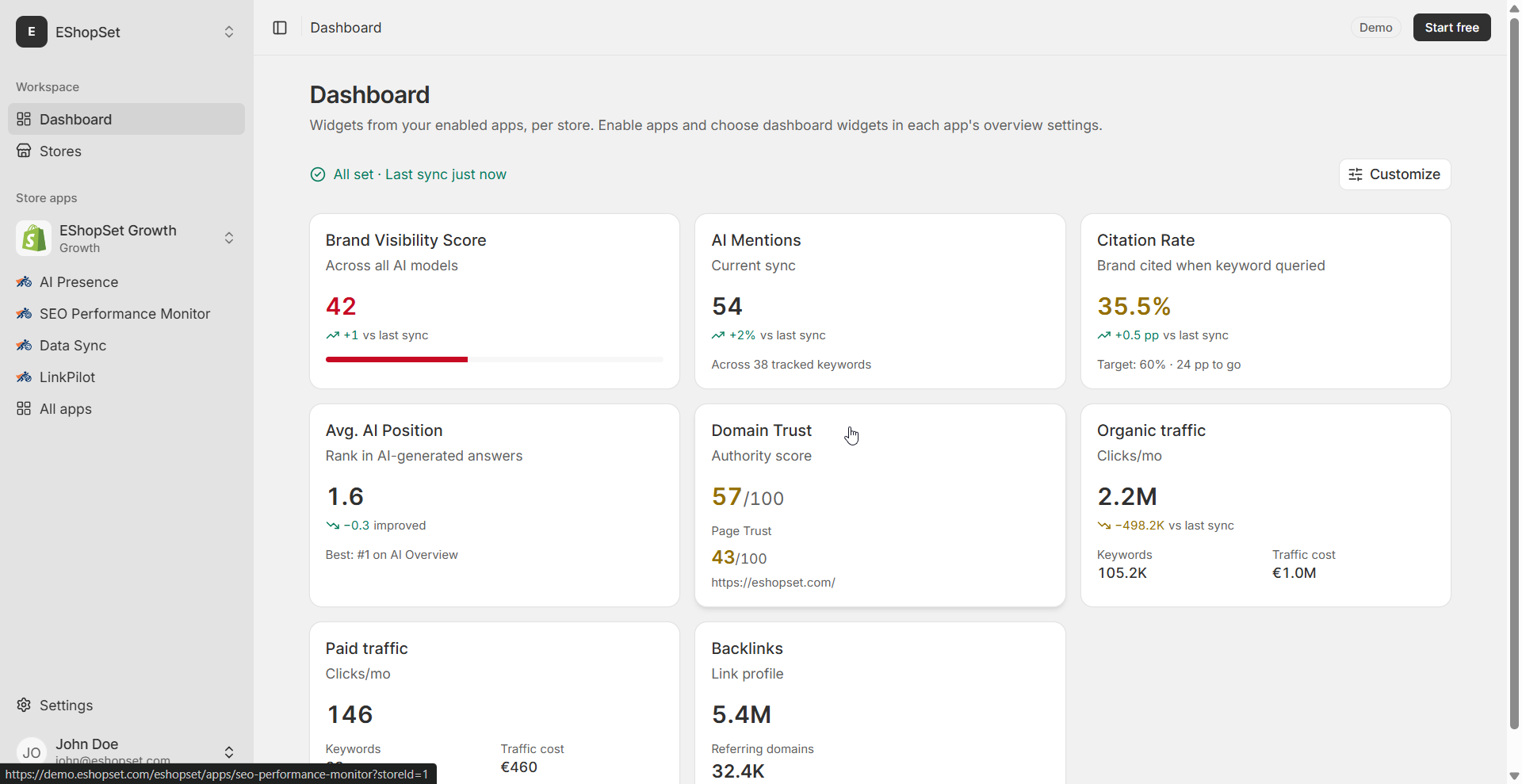
- Connect the same store you use in Shopify Admin so Overview metrics and Logs match what you see in EShopSet.
- If tools do not appear, restart the agent app and confirm the MCP / connector status is connected.
- You can disconnect MCP anytime from the agent’s connector settings.
Shopify Sidekick
Sidekick is Shopify’s built-in Admin assistant. EShopSet shares app data and actions with Sidekick inside Shopify—no external MCP connector required.
- Install EShopSet and enable SEO Performance Monitor, AI Presence, and/or Data Sync.
- In Shopify Admin, open Sidekick and allow EShopSet to share data and actions when prompted (or from the app’s Sidekick / permissions settings).
- Ask Sidekick about your EShopSet apps—the same Overview-style questions you would ask an external agent.
Use Sidekick in Admin and MCP for agents outside Shopify (Cursor, compatible AI agents, ChatGPT, and more). See AI Power for both paths.