Demystifying Shopify Indexing: Your Guide to Getting Found by Search Engines
Hey everyone, your friendly ecommerce ops expert here! I recently saw a fantastic discussion pop up in our community, with the original poster asking for a little help getting their ecommerce store indexed. It’s a classic, yet often frustrating, challenge for many Shopify merchants. You’ve poured your heart into building a beautiful store and stocking it with amazing products, but if search engines can’t find you, all that hard work might not get the visibility it deserves.
Getting your Shopify store properly indexed by search engines like Google is absolutely crucial. Without it, you’re practically invisible to potential customers searching for your products. It’s like having a stunning storefront on a bustling street, but the doors are locked and the windows are blacked out. Let’s dive into some of the key insights and actionable steps that often come up in these kinds of discussions, helping you unlock those doors and let the light in.
Understanding the Basics: Why Isn't My Store Indexed?
When an ecommerce store isn't getting indexed, it usually boils down to a few common culprits. Think of search engines as diligent librarians trying to organize the internet. If they can't access your books (pages), or if your books aren't properly cataloged, they won't end up on the shelves.
Community Insights on Common Indexing Hurdles:
- Crawlability Blocks: One community member immediately suggested checking for 'noindex' tags or 'robots.txt' disallows. These are deliberate (or accidental) instructions telling search engines NOT to index certain pages or even the entire site. Shopify usually handles these well for standard pages, but custom themes or app installations can sometimes introduce unexpected blocks.
- Sitemap Submission & Health: Another contributor emphasized the importance of your sitemap. Your Shopify store automatically generates an XML sitemap (usually found at
yourstore.com/sitemap.xml). Submitting this to Google Search Console is like handing the librarian a complete catalog of your books. But it’s not just about submitting; ensure your sitemap is healthy, free of errors, and actually includes all the pages you want indexed. - Content Quality & Uniqueness: A crucial point raised was the quality and uniqueness of content. If your product descriptions are thin, duplicated from manufacturers, or generally lacking substance, search engines might deem them low-value and less worthy of indexing. This is where creating rich, engaging, and unique content becomes vital.
- Technical SEO Foundations: Beyond content, the underlying technical health of your site matters. Site speed, mobile-friendliness, and a clean URL structure all contribute to how easily search engines can crawl and understand your site. If your site is slow or difficult to navigate for a bot (or a human), it might struggle to get fully indexed.
- New Site Syndrome: Sometimes, especially for brand new stores, it's simply a matter of time. Search engines need time to discover, crawl, and evaluate new websites. While frustrating, patience combined with proactive SEO efforts is key.
Actionable Steps for Shopify Merchants
Based on these insights, here’s a practical checklist to help ensure your Shopify store gets the attention it deserves from search engines:
- Verify Your Google Search Console Setup: If you haven't already, sign up for Google Search Console (GSC) and verify your Shopify store. This is your direct line of communication with Google.
- Submit Your Sitemap: In GSC, navigate to 'Sitemaps' and submit your Shopify sitemap (e.g.,
https://yourstore.com/sitemap.xml). Regularly check for any errors reported here. - Inspect for 'Noindex' & 'Robots.txt' Issues:
- Robots.txt: You can check your
robots.txtfile by going toyourstore.com/robots.txt. Ensure it’s not blocking important pages. Shopify’s default file is usually fine, but custom changes or apps can alter it. - Noindex Tags: Use a browser extension (like 'SEO Minion' or 'Detailed SEO Extension') or Google Search Console's URL Inspection Tool to check individual pages for 'noindex' meta tags. Shopify's default settings prevent indexing of things like cart pages, which is correct, but ensure product and collection pages are indexable.
- Robots.txt: You can check your
- Enhance Your Content Strategy: Focus on creating unique, detailed, and helpful product descriptions. Don't just list features; talk about benefits and solve customer problems. For blog posts and category descriptions, think about the long-tail search queries your customers might use. Consider using seed keywords for AI Presence Shopify to guide your content generation, ensuring your AI-powered descriptions are highly relevant and optimized for search.
- Monitor Core Web Vitals & Mobile-Friendliness: Use GSC's 'Core Web Vitals' and 'Mobile Usability' reports to identify and address any performance issues. A fast, mobile-friendly site is a happy site for both users and search engines.
- Build Quality Backlinks: While not directly about indexing, quality backlinks from reputable sites signal authority to search engines, encouraging them to crawl and index your content more frequently and with greater confidence.
EShopSet Team Comment
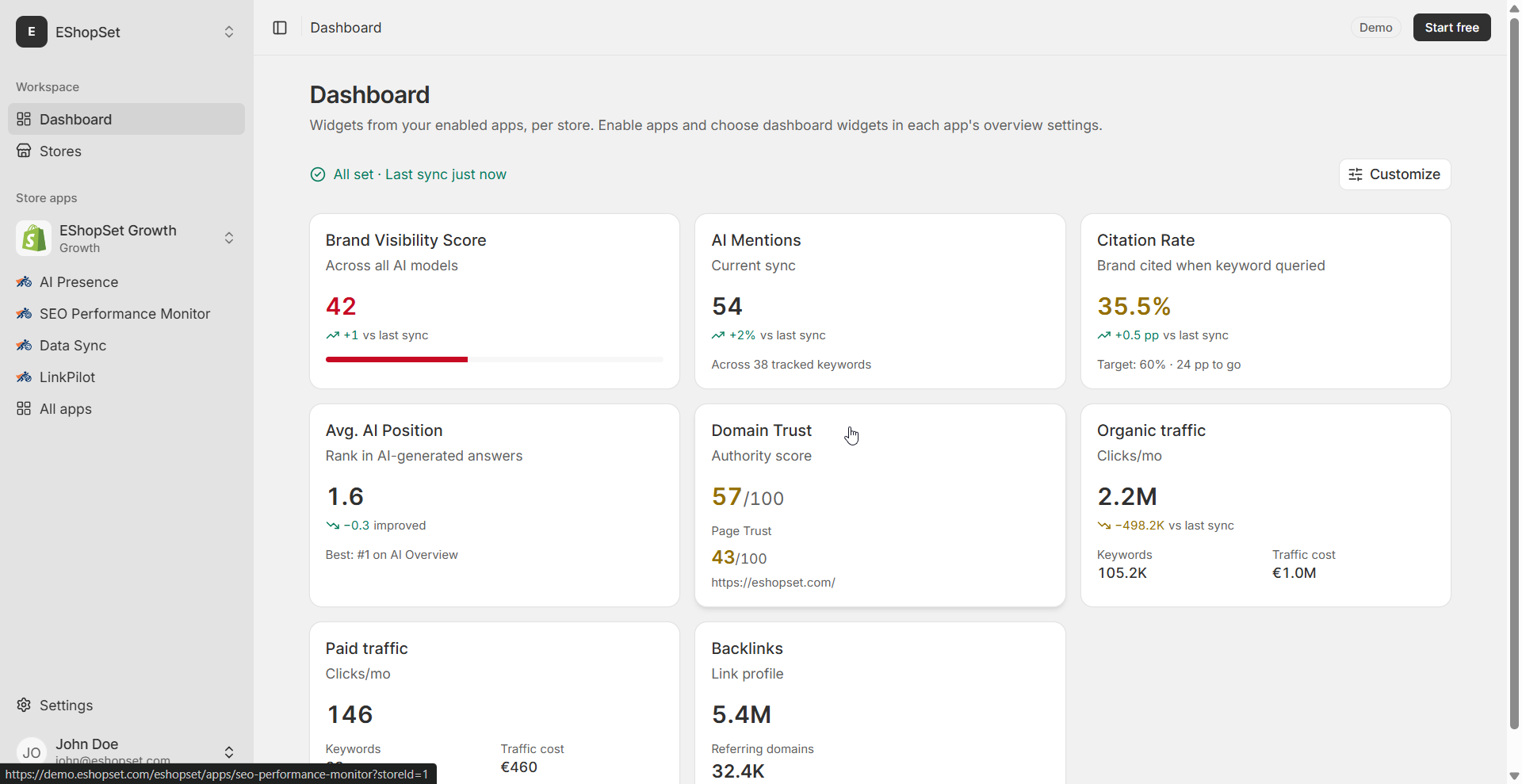
The original poster's struggle is incredibly common, and the community insights on crawlability, sitemaps, and content are spot-on. We strongly agree that a proactive approach to these technical SEO fundamentals is non-negotiable for any Shopify merchant. Our SEO Performance Monitor app is purpose-built to help you keep tabs on your index status, sitemap health, and overall technical SEO, giving you immediate alerts to potential issues. Furthermore, AI Presence directly addresses the content quality challenge, while Sheet2Cart ensures your product data is always accurate and complete, feeding search engines the rich information they need.
Getting your Shopify store indexed is the first big step towards online visibility. It requires a combination of technical diligence, quality content, and ongoing monitoring. By implementing these steps and leveraging powerful tools, you'll be well on your way to getting your products discovered by the right customers. Keep a close eye on your Google Search Console, iterate on your content, and remember that SEO is an ongoing journey, not a one-time fix. Happy selling!