Escape the E-commerce 'Builder Trap': Automate Your Product Page Workflows
Ever feel like you're stuck in a loop, spending more time meticulously building product pages than actually strategizing how to sell products? You're not alone. We recently saw a discussion in an online community that perfectly captured this all-too-common struggle, aptly dubbed the "builder trap."
The original poster, a store owner managing a multi-product store, described a familiar scenario: testing 5 to 8 products or variations each week, but 80% of their time was consumed by manual tasks within their e-commerce dashboard. This meant gathering supplier data, cleaning images, writing product copy, and meticulously structuring mobile pages. The result? Half a day wasted per product, leading to operational burnout and a slow time-to-market. Instead of focusing on vital tasks like data analytics, ad optimization, and logistics, they felt like an "unreliable web designer" for pages that often failed.
This isn't just a Shopify problem; it's a universal challenge for merchants on WooCommerce, Magento, BigCommerce, PrestaShop, and Wix. It’s about being bogged down by repetitive, manual tasks that hinder growth and steal your focus from strategic initiatives. Let's dive into how to tackle this head-on and reclaim your time.
Understanding the E-commerce Builder Trap
The core of the "builder trap" is the disproportionate amount of effort spent on operational setup rather than strategic execution. The original poster's frustration highlights several key pain points:
- Manual Data Entry: Sourcing supplier data, product specifications, and pricing for each new item.
- Content Creation Overload: Cleaning up images, writing unique product descriptions, and crafting compelling copy in multiple languages.
- Page Design Repetition: Building mobile-friendly page structures from scratch for every product or variation.
- Slow Time-to-Market: The cumulative effect of these manual tasks drastically delays product launches and testing cycles.
- Misplaced Focus: Being diverted from high-value activities like data analysis, ad optimization, and logistics management.
This isn't just inefficient; it's unsustainable for scaling an e-commerce business. To truly grow, you need to shift from being a manual builder to a strategic operator.
Break Free with Automation and Templating
The core of escaping the builder trap lies in systemizing and automating as much as possible. Think of it this way: every minute spent manually adjusting an image or writing a unique product description for a test product is a minute not spent analyzing customer behavior or optimizing ad spend. Here’s how to shift that:
1. Embrace Product Information Management (PIM) Tools
For multi-product stores, a PIM system can be a game-changer. It centralizes all your product data (SKUs, descriptions, images, variants, supplier info) and allows for bulk editing and synchronization across your store and other channels. Many e-commerce platforms have robust app marketplaces that offer PIM solutions. EShopSet's Catalog Sync apps can integrate with or complement your PIM strategy, ensuring your product data is consistent and up-to-date across all channels, reducing manual input errors and speeding up updates.
2. Leverage Templates for Consistency and Speed
Instead of building each product page from scratch, create a library of reusable templates. This applies to:
- Product Page Layouts: Design a few optimized templates for different product types (e.g., simple product, configurable product, service).
- Product Descriptions: Develop templates with placeholders for key information, benefits, and calls to action.
- Image Sets: Standardize image dimensions, aspect ratios, and required views (e.g., front, back, lifestyle, detail).
Using templates drastically cuts down design time and ensures brand consistency. When you're ready to test a new product, you simply populate a pre-built structure.
3. Automate Content and Image Workflows
- AI-Powered Content Generation: Tools are now available that can generate product descriptions, titles, and even ad copy based on a few bullet points or keywords. While human review is always recommended, this can provide a strong first draft, addressing the pain of "crafting some coherent copy."
- Automated Image Optimization: Integrate tools that automatically resize, compress, and watermark images upon upload. This ensures fast-loading pages and consistent visual quality without manual intervention. EShopSet offers Image Optimizer apps that can handle this for you seamlessly.
- Bulk Import/Export: Utilize your platform's bulk import/export features for product data. This is far more efficient than manual entry for multiple product variations or updates.
EShopSet: Your Partner in Workflow Transformation
EShopSet is built precisely for store owners looking to escape operational burnout and focus on growth. Our apps-first commerce operations bundle provides the tools you need to streamline your workflows:
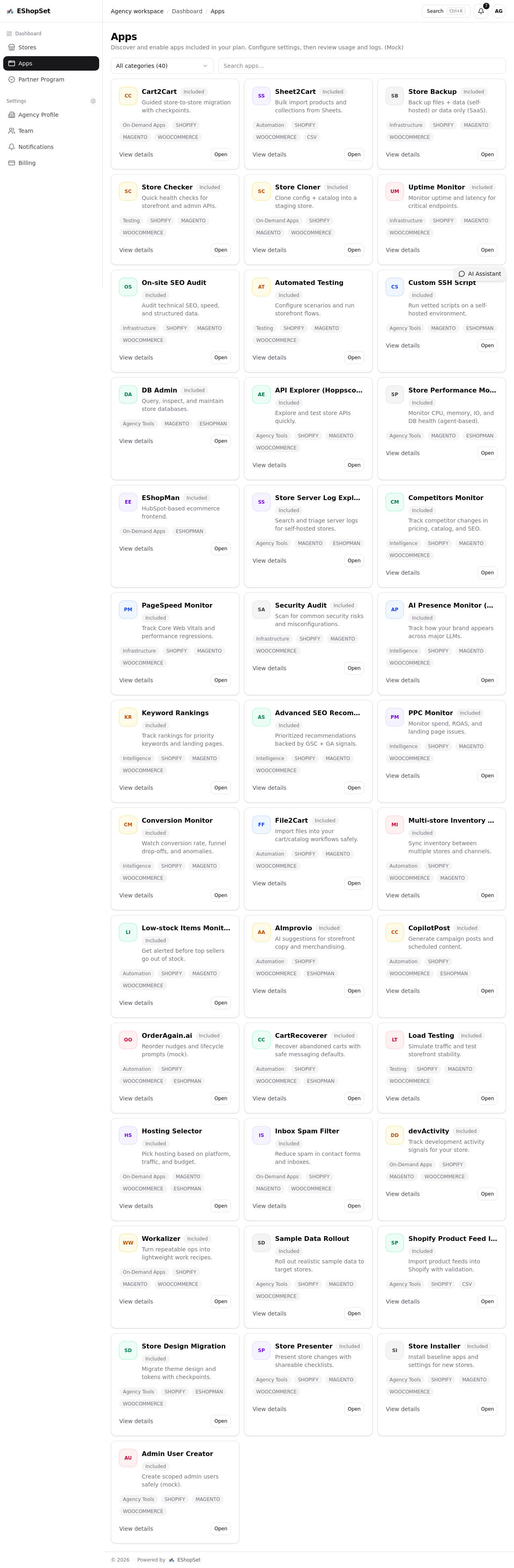
- Centralized App Management: Discover, enable, and configure apps per store from a single dashboard.
- Performance Monitoring: Before deploying new pages, ensure your store's performance is top-notch. Utilize Uptime Monitor to ensure your store is always live and Page Speed Optimizer to guarantee fast loading times for your new product pages.
- SEO Optimization: Our SEO tools help you optimize new product pages for search engines right from the start, ensuring your efforts in product testing translate into discoverability.
- Data-Driven Decisions: Track app usage and logs within EShopSet to gain insights into your operational efficiency and refine your workflows. This data-centric approach empowers you to make informed decisions, rather than relying on guesswork.
While you're automating product deployment, don't forget other critical workflows. For instance, optimizing your cart recovery emails or streamlining your PrestaShop customer email triage process with dedicated apps can free up significant time. EShopSet helps you centralize these efforts, ensuring no customer falls through the cracks while you focus on product strategy.
The Human Element: Smart Delegation
The original poster asked about virtual assistants (VAs). VAs can be incredibly valuable, but only when integrated into an optimized workflow. Instead of having a VA manually build pages, train them to:
- Populate Templates: Fill in product details into pre-designed templates.
- Perform Quality Control: Review automated content and images for accuracy and brand voice.
- Manage Exceptions: Handle unique products that don't fit standard templates.
- Gather Initial Data: Collect supplier information in a structured format for PIM import.
Crucially, establish clear Standard Operating Procedures (SOPs) for every task. This ensures consistency, reduces errors, and makes delegation truly effective.
The Path Forward: Focus on Growth
By implementing automation, leveraging templates, and strategically delegating tasks, you transform your operational burden into a scalable asset. You move from being an "unreliable web designer" to a strategic merchant, freeing up time for what truly matters: data analytics, ad optimization, and logistics. This faster deployment cycle means you can test more products, iterate quicker, and respond to market demands with agility.
Ready to escape the builder trap and scale your e-commerce business? Explore the EShopSet marketplace today and discover the apps that will revolutionize your workflows. Visit eshopset.com/apps/ to get started.