Mastering Mobile E-commerce: Optimize Your Store for the Small Screen
Hey fellow store owners! Ever stared at your beautiful desktop website, then cringed at its mobile counterpart? You're not alone. It's a tale as old as e-commerce itself: what looks great on a big screen can turn into a jumbled mess on a phone. This exact challenge sparked a lively discussion recently in an online community, and the insights are gold for anyone running a Shopify, WooCommerce, Magento, Wix, BigCommerce, or PrestaShop store.
The original poster, a photo booth company owner, perfectly articulated the pain: "Even when I get the desktop version to look good, the mobile just makes all text seem soooo long." They even mentioned professionals suggesting a complete rebuild, which is a daunting prospect. Sound familiar? At EShopSet, we understand that managing an e-commerce store means juggling many hats, and mobile optimization is non-negotiable in today's mobile-first world. Let's dive into how the community tackled this common hurdle and how EShopSet's suite of apps can empower your mobile strategy.
Community Weighs In: Solutions for Mobile Text Bloat
1. FAQs and Collapsible Content: Your New Best Friends
One community member wisely suggested, "You should try out FAQs if you haven’t! They’re good dropdown menus that hide lengthy text well." This is solid advice. Breaking down long blocks of text – whether it's detailed product descriptions, service explanations, or policy pages – into digestible, collapsible sections like FAQs or accordions can dramatically clean up your mobile layout. It allows users to get the detail they need without endless scrolling, making for a much smoother experience. This approach not only improves readability but also helps maintain a clean, uncluttered interface, which is crucial for mobile users on the go.
2. The Mobile-Only Content Debate: Proceed with Caution!
Another respondent proposed structuring your desktop version to allow for "mobile only elements," suggesting you "hide the large text on mobile and place mobile friendly text which should be less wordy." While this sounds appealing for quick fixes and tailored experiences, it immediately drew a sharp counter-point. A third voice in the discussion warned, "This is terrible advice. Google hates this. It’s not consistent for mobile and desktop users. You need to show them the same content."
This debate highlights a critical SEO consideration. Google generally prefers "responsive design," where the same content is served to all devices, with the layout adjusting dynamically. Serving significantly different content can lead to indexing issues and potentially harm your search rankings. While minor adjustments like text size or element visibility are acceptable, completely hiding large chunks of content or replacing them with entirely different text can be detrimental. The goal is consistent content, presented optimally for the device.
3. Harnessing AI for Seamless Mobile Layouts and Visibility
A significant insight came from a community member who stated, "Mobile text bloat is usually a column-width issue, not a font one. I rebuilt my photo booth storefront through Runner AI and the mobile layout just handled itself." This points to the power of modern AI-driven design tools. Many platforms and third-party apps now leverage artificial intelligence to automatically optimize layouts, adjust column widths, and reflow text to fit various screen sizes without manual intervention.
For store owners, this means less time spent on tedious manual adjustments and more on strategic growth. AI can significantly enhance your ai catalog visibility, ensuring that product descriptions, specifications, and calls to action are perfectly presented on any mobile device. This isn't just about aesthetics; it's about making your products discoverable and desirable on the small screen, directly impacting conversion rates and improving the overall Shopify ai shopping presence for merchants on that platform and others. EShopSet's marketplace features a growing selection of apps that integrate AI to streamline design and content optimization, helping you achieve a flawless mobile experience effortlessly. Explore these innovative solutions at EShopSet Apps.
4. Practical Design Adjustments for Immediate Impact
Beyond AI, several community members offered practical, hands-on tips:
- Adjusting Text Size: "First, I would suggest making the text smaller on the mobile version - that's an easy fix." While a quick fix, ensure readability. Don't make it so small that users have to squint.
- Strategic Element Hiding/Showing: "You can also choose to show or hide elements of the page, and move them around... I have hidden long blocks of text and instead inserted abbreviated versions with bullet points." This aligns with the collapsible content strategy. Focus on displaying essential information upfront and offering options to expand for more detail.
- Concise Content: "Edited the text to make it shorter." This is fundamental. Mobile users often scan. Use bullet points, short paragraphs, and clear headings. Get straight to the point.
- Clear Calls to Action: Ensure your mobile site has prominent, tappable call-to-action buttons that are easy to find and interact with.
EShopSet: Your Partner in Mobile E-commerce Excellence
At EShopSet, we believe that a superior mobile experience is not just a luxury but a necessity for driving sales and fostering customer loyalty. Our apps-first commerce operations bundle is designed to equip store owners with the tools needed to excel in every aspect of their business, including mobile optimization.
- Performance Monitoring: Mobile users demand speed. Our Page Speed Monitor app helps you track and improve your site's loading times, ensuring a snappy experience that keeps customers engaged and reduces bounce rates.
- SEO & Content Optimization: Tools like our SEO Optimizer ensure your content is structured for discoverability and consistency across devices, aligning with Google's best practices.
- User Experience (UX) Analytics: Understand how users interact with your mobile site. EShopSet integrates with analytics tools that provide insights into user behavior, helping you identify pain points and optimize the mobile journey, which can lead to more BigCommerce repeat customer offers and increased lifetime value across all platforms.
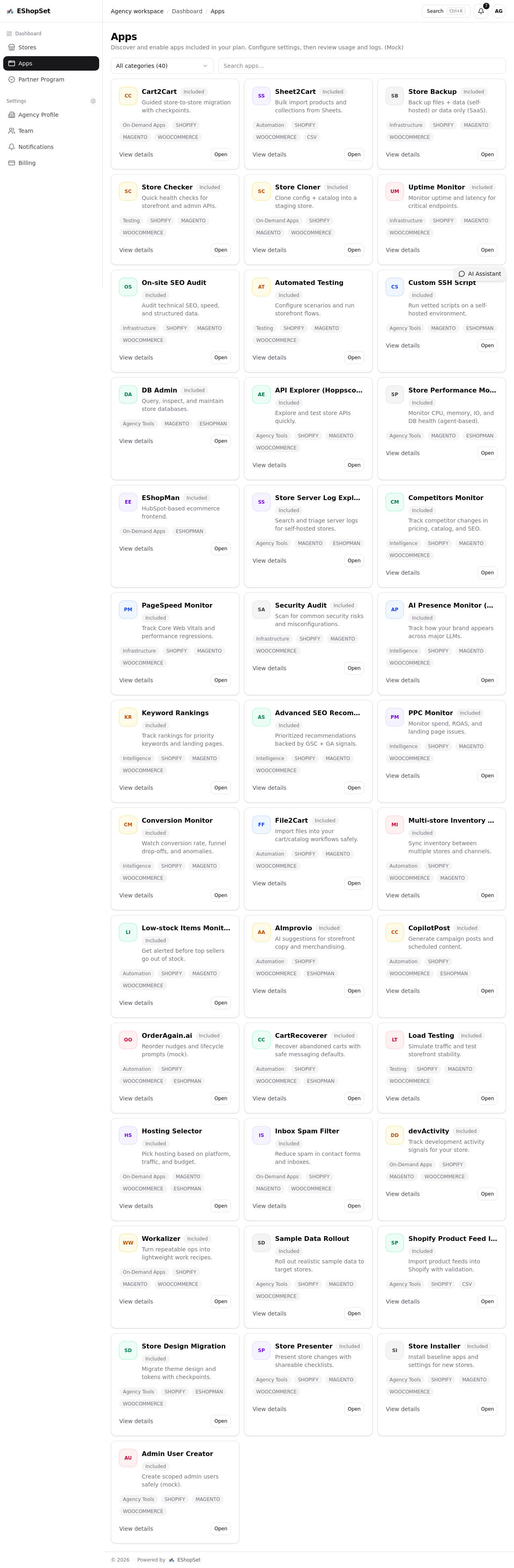
- App Discovery: Our marketplace is constantly updated with apps that can assist with responsive design, content presentation, and AI-powered layout adjustments. Discover the right tools to enhance your mobile storefront without needing a complete rebuild.
Final Thoughts: Embrace Mobile-First Thinking
The conversation from the community thread underscores a universal truth in e-commerce: mobile optimization is an ongoing journey, not a one-time fix. By adopting strategies like collapsible content, leveraging AI for responsive design, and focusing on concise, consistent content, you can transform your mobile storefront from a source of frustration into a powerful sales channel.
Don't let mobile text bloat deter your customers. Empower your store with the right tools and a mobile-first mindset. Explore the comprehensive suite of apps at EShopSet.com/apps to build a mobile experience that not only looks good but converts.