Shopify Site Not Ranking After Migration? Unpacking the 'Indexed But Invisible' SEO Mystery
Ever felt like you've done everything right with your Shopify store's SEO – stellar content, blazing fast speeds, every page indexed – yet your rankings are nowhere to be found? It's a frustrating riddle many merchants face, especially after a major site migration. We recently stumbled upon a community discussion that perfectly encapsulated this dilemma, and the insights shared are invaluable for anyone wrestling with post-migration SEO blues.
The Challenge: Indexed but Invisible
The original poster in this discussion laid out a classic scenario. Their team had migrated a substantial site from a subdomain (cc.this-site-here[.]com) to a subfolder (thissitehere[.]com/cc) under a new TLD two years prior. Despite meticulous efforts – content and URLs carried over, global redirects in place, no 4xx errors, excellent site speed, and Google Search Console (GSC) confirming all pages were crawled and indexed – the site's visibility had tanked to a mere 1.03% in a competitive market. The peculiar part? While GSC and Bing showed pages indexed, tools like SEMRush and Ahrefs reported most URLs (except the homepage) as non-ranking. Their director even put a halt on new content projects until this tech SEO mystery was solved.
The Redirect & Canonical Conundrum
One of the first lines of inquiry from a helpful community member revolved around the fundamental questions of 301 redirects and canonical tags. The original poster initially mentioned 301s were for deleted pages and canonicals for similar, carried-over pages. However, after further probing, they clarified that a comprehensive 301 redirect strategy – mapping every old page to its new counterpart – was indeed the very first step taken. This is crucial: ensuring a proper 1:1 redirect from old-domain.com/page to new-domain.com/new-subfolder/page is non-negotiable for preserving link equity and guiding search engines. Any misstep here can cause significant ranking drops. For Shopify merchants managing large product catalogs, ensuring accurate redirects and canonicals, especially after a major overhaul or even just updating product URLs, requires meticulous attention. Tools that help verify these redirects are your best friend.
Beyond Basic Indexing: The Ranking Discrepancy
Despite the original poster's confirmation that GSC showed all pages as indexed and tracking, the core issue remained: they weren't ranking. This highlights an important distinction: indexing does not equal ranking. A page can be in Google's index but still not appear for relevant search queries. The community discussion touched on checking GSC for Core Web Vitals and HTTPS status, both of which the original poster affirmed were in good shape. The decline, they noted, started immediately after launch and never recovered. This points away from sudden Google algorithm updates and more towards a foundational issue with the migration itself.
The Role of Backlinks and Authority
Another key area explored was link building. A community member shared a success story of a client site that regained and even surpassed previous rankings within 12 months post-migration by maintaining offsite link building throughout the process. The original poster revealed their site had a substantial backlink profile – 10,000 referring URLs from 6,500 domains. While they weren't concerned about 'toxic' links, the question isn't just about the quantity of links, but how their equity transferred during the migration. A large backlink profile is a powerful asset, but if Google struggles to understand the new URL structure and associate that existing authority with the new pages, the ranking power can diminish significantly. For Shopify stores, actively monitoring your backlink profile and ensuring that valuable inbound links are pointing to the correct, redirected new pages is an ongoing SEO task.
A Deeper Dive: Subfolder as a New Entity
Perhaps the most insightful suggestion came from a community member who questioned whether Google might be treating the new subfolder as an entirely new entity, rather than a continuation of the previous site. This is a critical point in migrations, especially when TLDs also change. When Google perceives a subfolder as a fresh, unestablished site, all the accumulated authority and trust from the old domain can be severely diluted. To investigate this, they recommended comparing internal link equity, crawl depth, canonical tags (again!), and server logs to see if Googlebot was interacting with the new pages in the same authoritative way as before. This level of technical scrutiny is essential for uncovering the hidden reasons behind ranking stagnation.
EShopSet Team Comment
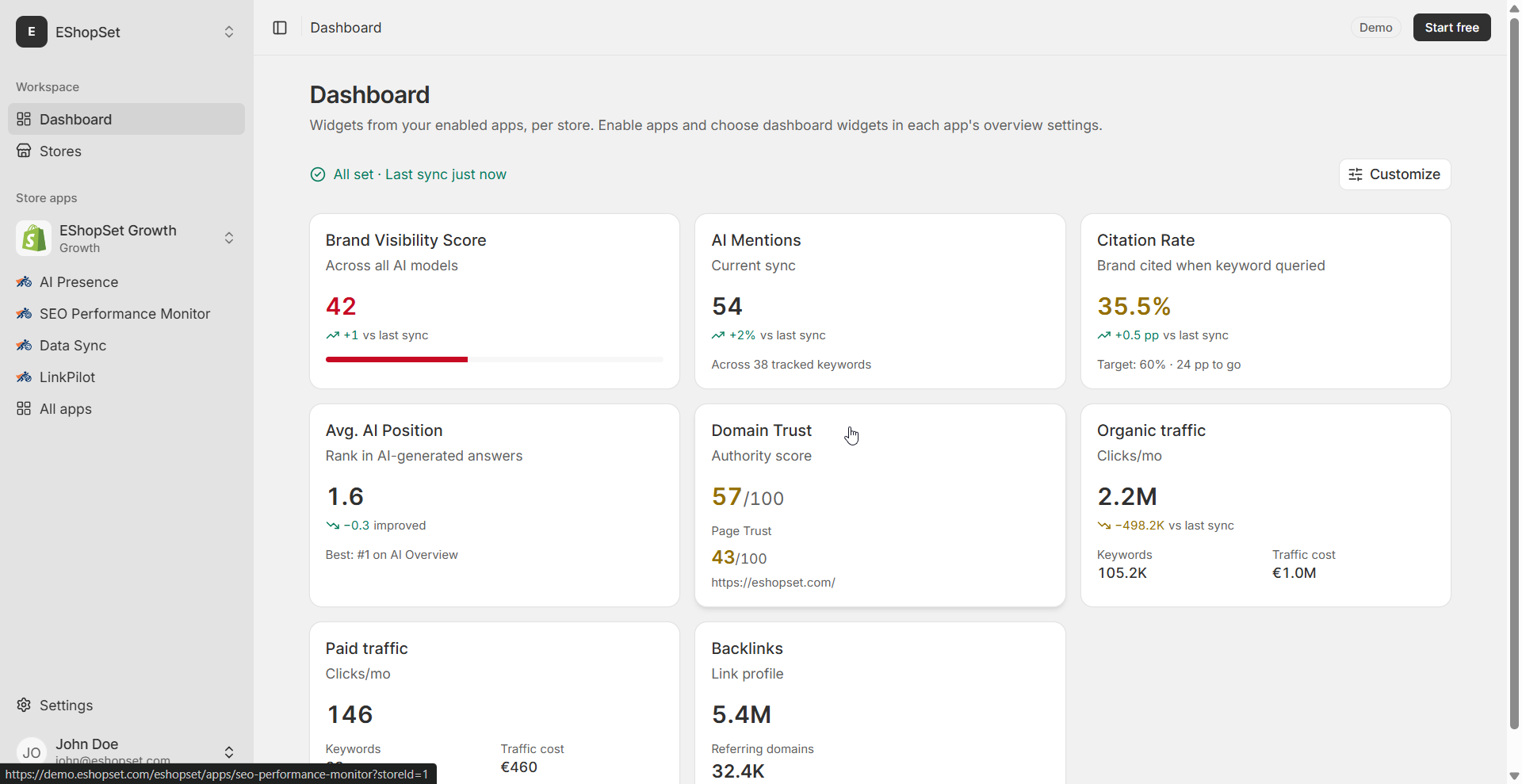
This discussion perfectly illustrates the complex challenges of technical SEO, especially around site migrations. While the original poster was diligent with redirects and indexing checks, the core issue likely lies in how Google interpreted the significant structural change. We believe a continuous, deep dive into GSC data, coupled with a robust monitoring strategy, is key. Our SEO Performance Monitor app would be critical here, providing ongoing visibility into keyword rankings, crawl stats, and technical health to identify these subtle but devastating ranking drops. For large-scale data updates or content fixes discovered during such an audit, Sheet2Cart could streamline the process for Shopify merchants. Whether it's updating product descriptions, meta titles, or other attributes, its capabilities for Shopify column mapping Google Sheets data to your store's catalog ensure accurate and efficient content and meta-data changes.
Bringing it All Together for Your Shopify Store
So, what's the takeaway for Shopify merchants facing similar post-migration ranking struggles?
- Audit Your Redirects Religiously: Double-check every single 301 redirect. Ensure 1:1 mapping from old URLs to new, even for pages that had significant link equity.
- Monitor GSC Beyond Indexing: Don't just confirm pages are indexed. Look for trends in impressions, clicks, Core Web Vitals, and how Google perceives your site's structure.
- Nurture Your Backlink Profile: Actively monitor your backlinks. If you notice a drop in referring domains or link equity, consider outreach to update links or disavow truly toxic ones if necessary, though this is often overused. Maintaining offsite SEO is an ongoing effort.
- Assess Internal Link Equity: Ensure your internal linking structure is robust and effectively distributes authority across your new site architecture. Google needs clear pathways.
- Consider Google's Perception: If you've undergone a significant migration (like subdomain to subfolder with a TLD change), actively work to signal to Google that this is the same entity, just moved. This might involve updating old sitemaps, checking canonicals again, and ensuring consistency.
For Shopify store operators, managing these intricate details manually can be overwhelming. Leveraging a comprehensive tool like EShopSet's SEO Performance Monitor can provide the constant oversight needed to catch issues early and track recovery. If you're an agency helping clients through complex migrations, remember that a strong partnership includes guiding them through these post-launch SEO challenges. Our Shopify agency commission partner program is designed to support agencies in delivering top-tier SEO and operational solutions, ensuring their clients not only migrate successfully but also thrive in search rankings.
Ultimately, recovering from a major SEO hit post-migration is a marathon, not a sprint. It requires patience, persistent monitoring, and a willingness to dig deep into the technical nuances. By staying vigilant and using the right tools, you can guide your Shopify store back to the visibility it deserves.