Cutting the Clutter: How to Audit Your Shopify App Stack for Maximum Impact
Ever stare at your Shopify billing page and wonder what half those apps actually do? You’re not alone. It’s a common scenario for many merchants: you start with a lean setup, then add apps one by one to solve specific problems, only to find yourself with a sprawling, expensive software stack that feels more like a burden than a boost.
This exact dilemma recently sparked a lively discussion in an online community. The original poster confessed to running "fifteen-ish tools, north of a grand a month," and couldn't confidently say which were truly worth it. They questioned whether consolidating tools actually saves money or just bundles hidden costs. It’s a question that resonates deeply with anyone trying to optimize their daily operations on Shopify.
Auditing Your Shopify App Stack: Beyond the Price Tag
The community quickly rallied with fantastic, actionable advice. The consensus? A proper audit isn't just about cutting costs; it's about clarity, efficiency, and ensuring every tool earns its keep. One respondent put it perfectly: "audit by job rather than by number of tools." This shifts the focus from 'how many apps do I have?' to 'what essential jobs need to get done, and which tools do them best?'
Here’s a synthesized approach, drawing from the best insights shared:
- The "Kill Test": What Breaks if You Turn It Off?
This was a recurring, powerful suggestion. As one community member advised, for each tool, "write down what concretely breaks in the next 7 days if I turn it off. Not what might be annoying, what breaks." If you can't identify a critical function that would immediately fail, that app is a prime candidate for the chopping block. Many merchants pay for tools out of habit, not necessity. - Map Tools to Jobs, Not Vendors: Uncover Overlap.
Another key insight was to list every tool under the specific job it performs: email marketing, SMS, reviews, search, analytics, inventory sync, etc. It's shockingly common to find multiple tools doing the same job, or at least overlapping significantly. The original poster mentioned having "three analytics tools," a situation a respondent noted "almost always means two are redundant." This overlap is where "the real money hides," as you're essentially paying twice for one function. For example, if you're managing your Shopify product SEO rankings, ensure you're not using two different apps to monitor the same keywords or performance metrics. - Track Usage and Impact: Who Logs In, What Moves?
A boring but effective method shared by a community member involved listing "every tool, what it costs, who actually logs in, and which number it moves." If nobody on your team has opened an app in 30 days, it's likely not essential. For tools that claim to move a specific metric (like conversion rates for a reviews app), consider turning it off for a short period (two to four weeks) to see if that metric actually drops. This empirical test can be incredibly revealing. - Consolidate Smartly, Not Blindly.
The question of consolidation is tricky. While fewer invoices feel tidier, simply bundling tools from one vendor doesn't guarantee savings or better performance. As one expert cautioned, "Consolidate overlapping jobs, not vendors." They shared an experience where consolidating email and SMS led to worse email deliverability, costing more than the savings. The takeaway: "A best-in-class tool your team opens daily beats an all-in-one you fight with." Focus on tools that excel at their specific job and integrate well, rather than just chasing a single vendor solution.
What's Truly Essential for Daily Shopify Operations?
Based on the discussion, some categories consistently emerged as essential for most Shopify merchants:
- Platform & Payments: Non-negotiable, of course.
- Email & SMS Marketing: High ROI, easy to track, and crucial for customer retention and direct sales.
- Reviews Collection: Boosts conversion, builds trust, and provides invaluable product feedback.
- Focused Analytics: Beyond your platform's native reports, one trusted analytics tool that your team actually uses daily is key. Avoid redundancy.
When considering your stack, think about how your Shopify apps for SEO and daily ops work together. Are they truly helping you achieve your goals, or just adding to the monthly bill?
Before cutting any tool, always "export everything before you cancel." Losing historical data can be a major regret, even if you don't miss the tool itself. A quick CSV export can save a lot of future headaches.
EShopSet Team Comment
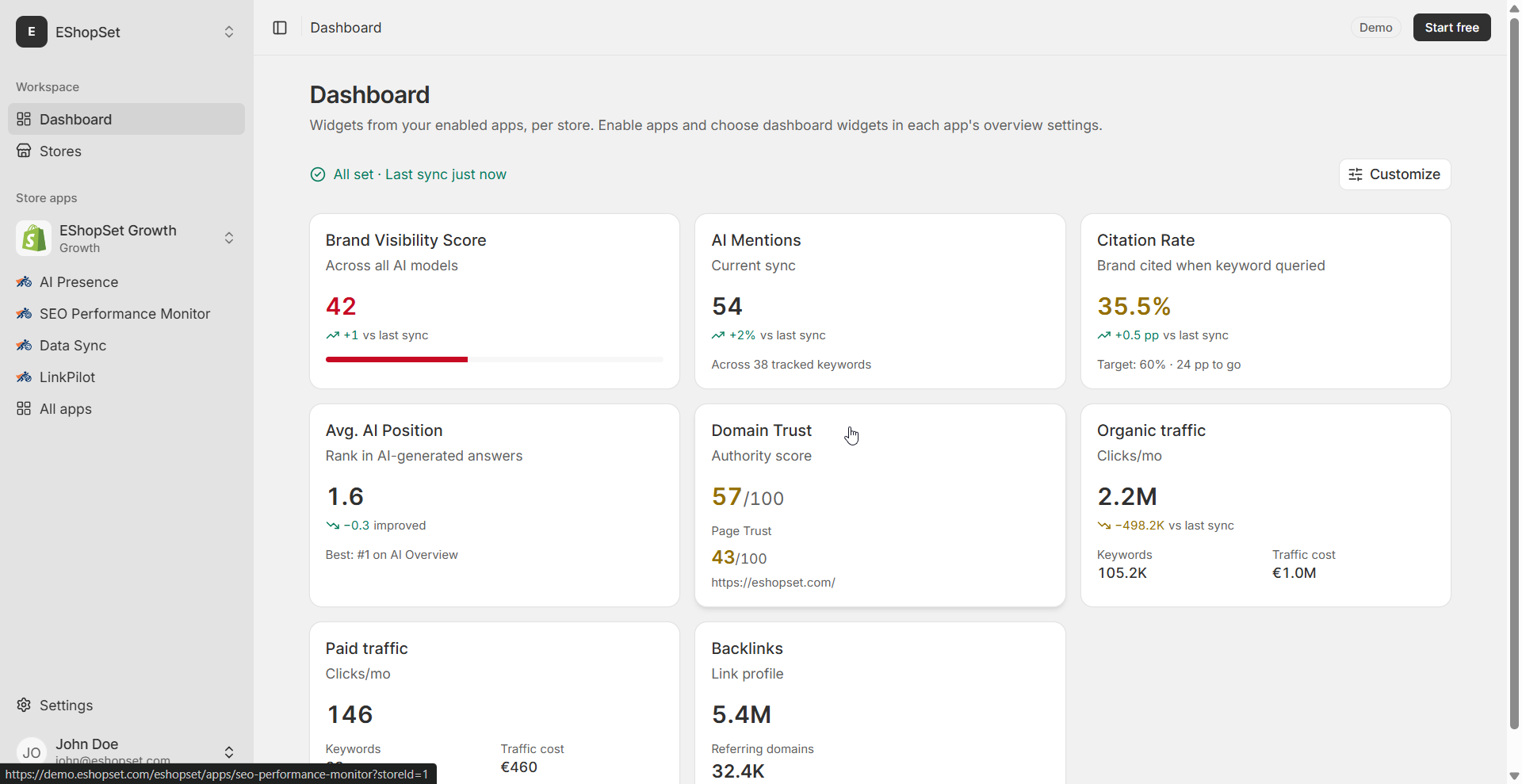
This discussion perfectly highlights the challenge and opportunity in managing a Shopify app stack. We completely agree that a focused, job-oriented approach to your tools is far more effective than simply tallying invoices. At EShopSet, we believe in providing essential tools that directly address core daily operations without unnecessary bloat. For instance, our SEO Performance Monitor helps merchants stay on top of their Shopify product SEO rankings, while AI Presence is designed to boost your ChatGPT Shopping brand visibility Shopify, ensuring your products are discoverable where customers are searching. And Data Sync streamlines your catalog management, preventing data silos and ensuring consistency across your store. These are not just 'nice-to-haves'; they are purpose-built to be indispensable for your daily success.
Building a Lean, Powerful Stack
Ultimately, the goal isn't to have the fewest apps, but to have the right apps. A "so-called nice-to-have that your team opens every day is more essential than a so-called essential nobody has logged into since March." By applying these audit principles, you can transform your Shopify app stack from a costly collection of unused features into a lean, powerful engine that drives your business forward, day in and day out.
Take the time to audit, question, and optimize. Your bottom line – and your peace of mind – will thank you.