Structured Data Not Showing in Google Search Console? Here's Why & How to Fix It
Hey there, fellow store owners and ops pros! Ever felt like you’re doing everything right for your online store’s SEO, only for Google Search Console (GSC) to throw a curveball? Well, you’re not alone. We recently stumbled upon a really insightful community discussion that perfectly captures this frustration, specifically around structured data markups not being read by GSC.
The original poster kicked things off, noticing that GSC had suddenly stopped indexing or reading their structured data scripts – specifically for Organization (ORG) and FAQ schemas. This started happening seemingly out of the blue, and as you can imagine, it’s a major headache for anyone relying on rich results to stand out in search.
The Recurring Platform Riddle: Is Your Storefront the Culprit?
What quickly became clear in the discussion was a common thread: platform-specific challenges. The original poster mentioned they were using Wix, and one community member immediately chimed in, suggesting that “Wix breaking structured data again is just tradition at this point tbh.”
This isn’t to pick on any single platform, but it highlights a crucial point for all of us running stores on Shopify, WooCommerce, Magento, BigCommerce, PrestaShop, or even Wix: the underlying platform plays a massive role in your SEO health. When technical SEO elements like structured data mysteriously stop working, your first instinct might be to check your own code, but sometimes, the issue lies deeper within the platform’s infrastructure or how it handles updates.
The original poster actually called Wix support, and while the phone support was good, the issue was escalated to second-tier support, which they felt “really sucks.” This is a common pain point: getting timely and effective resolution for complex technical issues from platform support can be a real test of patience, especially when dealing with nuanced items like structured data implementation or monitoring WooCommerce devactivity that might impact your site's SEO.
Understanding Structured Data and Why It's Critical for Ecommerce
Before diving into solutions, let's quickly recap what structured data is and why it's non-negotiable for online stores. Structured data, often implemented using JSON-LD, is a standardized format for providing information about a webpage and its content. It helps search engines understand the context of your content, leading to enhanced search results like rich snippets, product carousels, and FAQ accordions.
For an ecommerce store, this means your products can show star ratings, prices, and availability directly in search results. Your business can display its logo, contact info, and social profiles. FAQs can expand to answer common questions right on the SERP. These rich results significantly increase your visibility and click-through rates (CTR), giving you a crucial edge over competitors.
Common Reasons Your Structured Data Might Be Invisible to GSC
If GSC isn't reading your structured data, here are some of the most common culprits:
- Syntax Errors: Even a tiny typo in your JSON-LD code can invalidate the entire script. Google's parsers are unforgiving.
- Platform-Side Caching Issues: As one community member wisely pointed out, it “Might actually be a platform-side caching issue, not your markup.” Your platform (Wix, Shopify, WooCommerce, etc.) or CDN might be serving an older version of your page without the updated structured data.
- Conflicting Plugins or Apps: On platforms like WooCommerce or Shopify, multiple SEO plugins or themes can sometimes inject their own structured data, leading to conflicts and invalid markups.
- Google's Indexing Delays: Sometimes, it's just a matter of waiting. Google's crawling and indexing process isn't instantaneous.
- Incorrect Implementation: Placing the script in the wrong part of your HTML, or not correctly mapping your data to the Schema.org vocabulary, can prevent it from being read.
- Platform Updates: Major platform updates can sometimes alter how custom code or third-party integrations are handled, inadvertently breaking structured data.
Your First Line of Defense: Troubleshooting and Validation
When structured data goes rogue, here's your action plan:
1. Use Google's Rich Results Test
This is your go-to tool. Paste the URL of the affected page into Google's Rich Results Test. This tool will tell you if your structured data is valid, what rich results it's eligible for, and pinpoint any errors or warnings. It's much more immediate than waiting for GSC to update.
2. Leverage Google Search Console's URL Inspection Tool
In GSC, navigate to the URL Inspection Tool. Enter the problematic URL. First, check the “Indexed” version to see what Google last saw. Then, click “Test Live URL” to see if Google can now read the structured data on the current live page. If it looks good, you can request re-indexing.
3. Clear Caches
If you suspect a caching issue, clear all relevant caches: your platform's cache (e.g., WooCommerce caching plugins, Wix site cache), CDN cache (Cloudflare, etc.), and even your browser cache. This ensures you're viewing the most up-to-date version of your page.
4. Review Recent Changes
Did you install a new plugin, update your theme, or make any code changes around the time the issue started? Revert or disable recent changes one by one to isolate the culprit.
5. Consult Your Platform's Documentation or Support
If you're on a platform like Wix, Shopify, or BigCommerce, check their specific documentation on structured data or SEO settings. If all else fails, reaching out to their support (as the original poster did) is necessary, though as noted, patience may be required for second-tier technical issues.
EShopSet: Your Partner in Proactive Ecommerce SEO
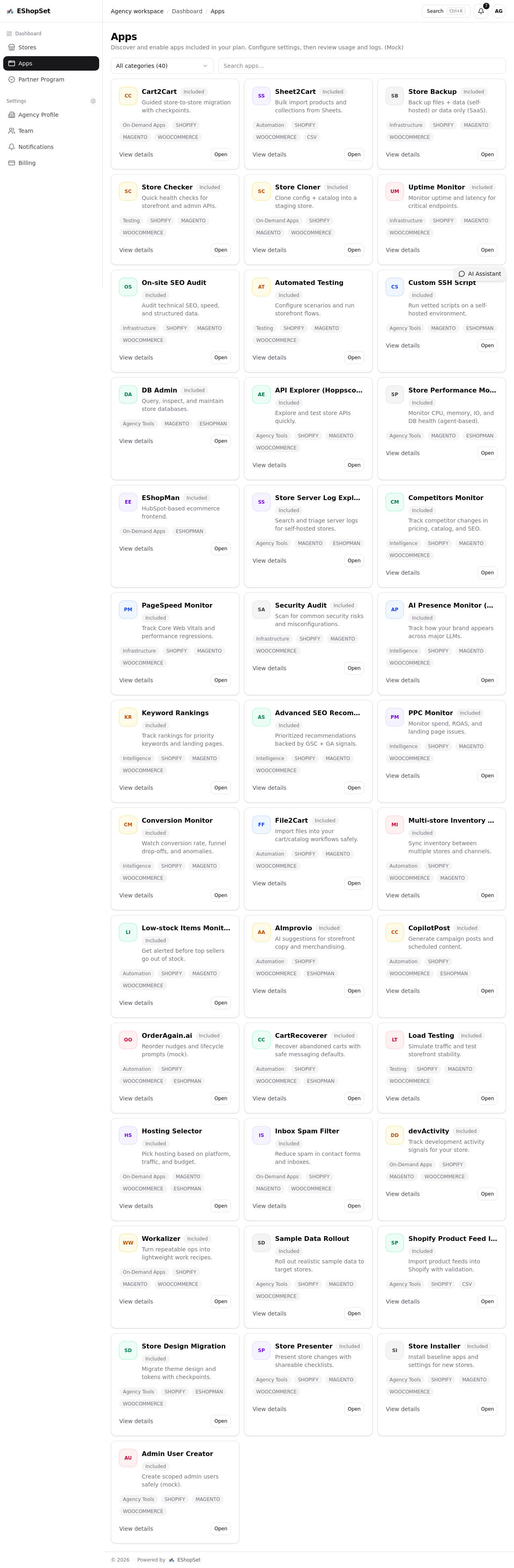
Dealing with technical SEO issues like structured data validation can be a time sink for busy store owners. This is where EShopSet steps in. As an apps-first commerce operations bundle, we provide store owners with a suite of tools to discover, enable, and manage critical functionalities for their online stores across various platforms.
Imagine having apps that proactively monitor your site's health, including uptime and page speed, and even provide WooCommerce advanced seo recommendations. With EShopSet, you can:
- Monitor SEO Performance: Track your rich results eligibility and overall SEO health, getting alerts if structured data issues arise.
- Simplify App Management: Discover and enable specialized SEO apps from our marketplace that can help correctly implement and validate structured data, avoiding conflicts.
- Gain Insights: Access detailed usage and logs for all your apps, helping you pinpoint when and why an issue might have started.
Don't let invisible structured data or platform quirks derail your search visibility. Proactive monitoring and the right set of tools are essential for maintaining a competitive edge. Explore how EShopSet can streamline your commerce operations and keep your SEO robust. Visit eshopset.com/apps/ to discover our powerful bundle of apps today.